 Join our Discord
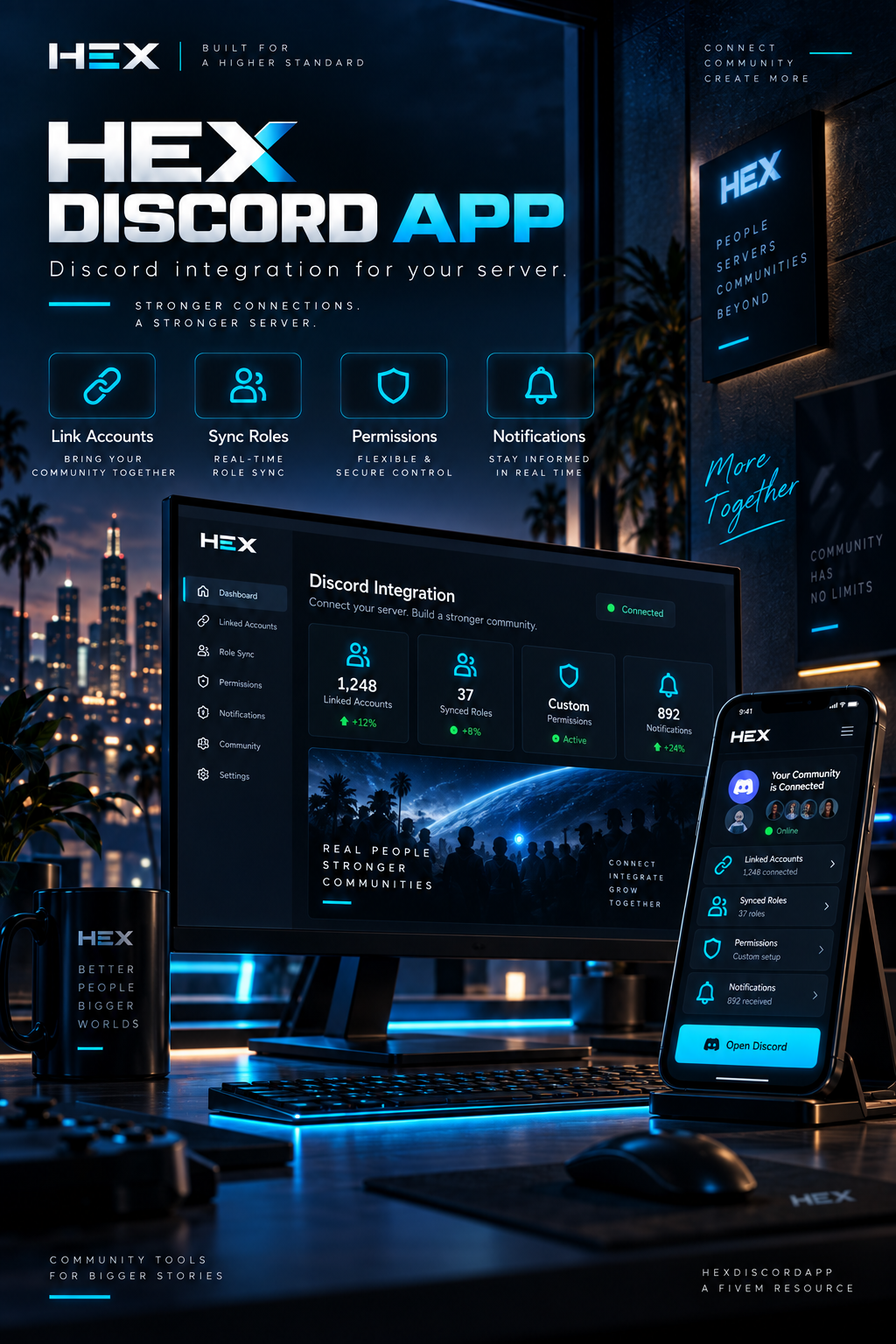
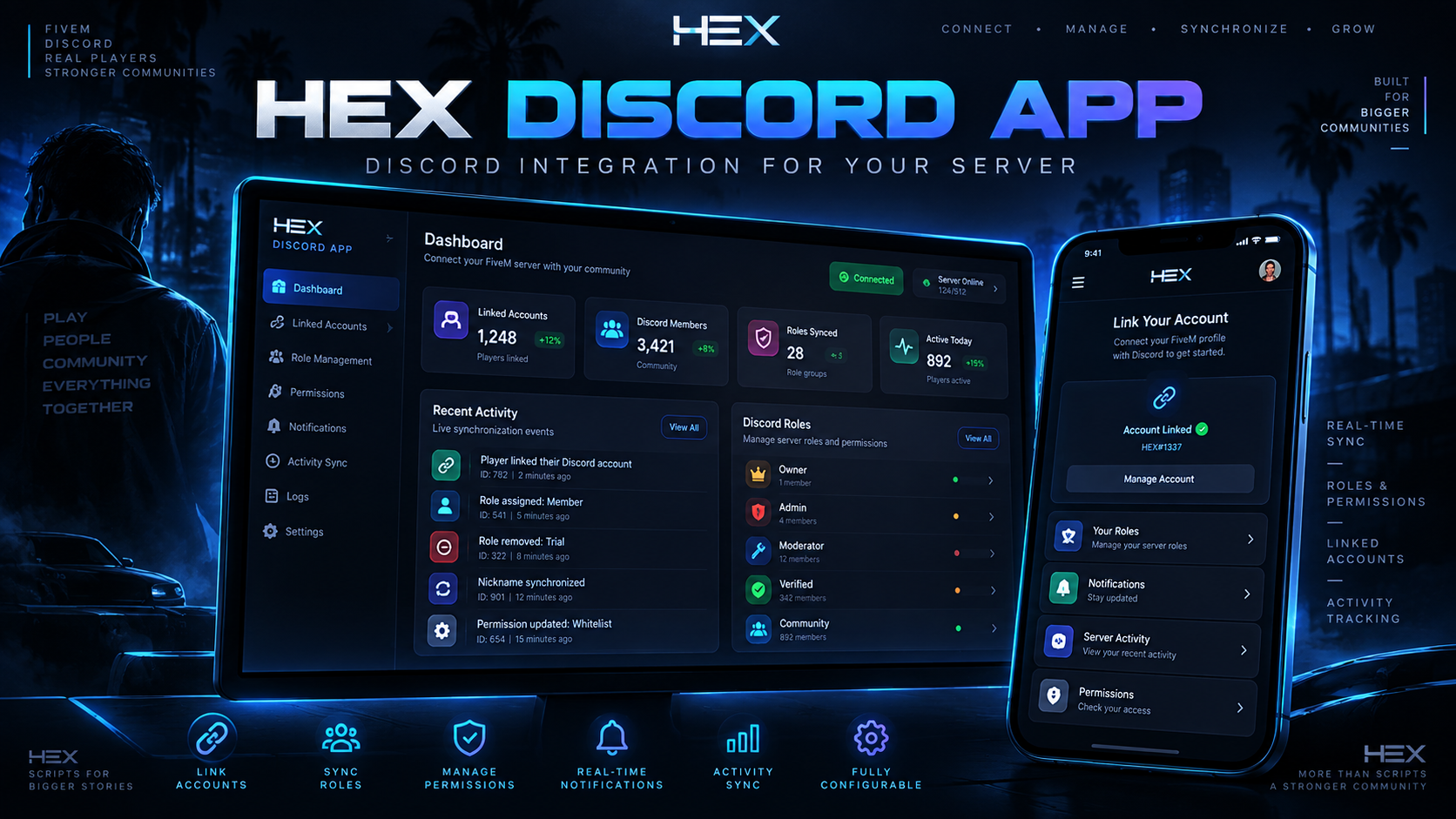
💎 HEX Discord App
Transform your FiveM server's Discord presence with HEX Discord App, a premium and highly customizable Discord Rich Presence system built to give your community a professional identity.
Instead of displaying a basic FiveM presence, HEX Discord App creates a dynamic Discord status showing player information, server activity, jobs, custom events, server branding, images, and interactive buttons.
The resource also includes a premium animated in-game dashboard, multiple visual themes, Unicode styling presets, rotating presence information, and support for multiple frameworks.
Perfect for RP servers, serious communities, branded servers, and server owners who want their FiveM presence to stand out.
🎮 Dynamic Discord Rich Presence
HEX Discord App automatically updates each player's Discord Rich Presence while they are connected to your server.
The presence can display information such as:
✔ Server name
✔ Player name
✔ Player ID
✔ Current job
✔ Online player count
✔ Maximum player count
✔ Active server event
✔ Custom server messages
✔ Large Discord application image
Information can automatically rotate, allowing you to display multiple messages without overcrowding the Discord profile.
🔄 Rotating Presence System
Keep your Discord presence alive with automatically rotating status lines.
Server owners can configure multiple messages that cycle while players are online.
Example rotations can include:
• Current players / maximum players
• Server RP information
• Staff activity messages
• Current server events
• Community information
• Discord invite information
• Custom promotional messages
The rotation interval can be fully adjusted through the configuration.
👤 Player Identity Display
Give every connected player a personalized Discord presence.
HEX Discord App can dynamically display:
• Player name
• Server ID
• Current job
• Custom job icon
• Player icon
• Styled player name
The identity line remains separate from the rotating information, ensuring important player details are always visible.
🎨 Premium Theme System
HEX Discord App includes multiple built-in visual theme presets that completely change the style of your presence.
Included themes:
👑 Royal
💎 Aura
🟣 Violet
✦ Luxury
⚪ Clean
🌴 Baylife
⚡ Cyber
Each theme can customize elements such as:
• Dividers
• ID icons
• Player icons
• Job icons
• Online player icons
• Decorative symbols
• Footer styling
Switching the entire presence style can be done directly from the config.
✨ Player Name Styles
Customize how player names appear using built-in premium Unicode styling presets.
Available styles include:
• Normal
• Premium
• Gold
• Boxed
• Spaced
• Royal
• Cyber
• Violet
This allows server owners to match the Discord presence with their server's branding and overall theme.
🔘 Discord Buttons
HEX Discord App supports real Discord Rich Presence buttons, allowing players viewing the presence to instantly access important server links.
You can configure up to 2 Discord buttons.
Perfect for:
🎮 Join / Discord buttons
🛒 Tebex or server shop
🌐 Server website
💎 Community pages
The resource also includes button retry logic to help ensure buttons are correctly applied to the player's presence.
Button labels can optionally rotate between configured variants for an even more dynamic presentation.
🎉 Live Event Presence
Running a special event on your server?
HEX Discord App includes a dynamic event system allowing authorized users to change the event displayed in the Rich Presence.
Commands allow you to:
• Set a custom event message
• Clear the active event
• Refresh the presence
• Debug the presence
• Test Discord buttons
This makes it easy to advertise events directly through connected players' Discord profiles.
🖥 Premium In-Game Dashboard
HEX Discord App doesn't stop at Discord.
The resource includes a custom animated in-game dashboard where players or administrators can preview the premium presence experience.
The dashboard provides a modern interface built specifically around the HEX Discord App design.
Open it directly in-game using the configured command.
The interface includes:
✔ Premium animated design
✔ Server branding
✔ Presence information
✔ Custom accent styling
✔ Discord timer information
✔ Modern NUI interface
🖼 Custom Discord Images
Brand your Rich Presence using your own Discord application assets.
Server owners can configure:
• Large presence image
• Large image hover text
• Small image
• Small image hover text
• Multiple large images
• Large image rotation
This gives communities complete control over how their server appears on Discord.
⚙ Multi-Framework Support
HEX Discord App is designed to work across different FiveM setups.
Supported modes:
✔ ESX
✔ QBCore
✔ Standalone
✔ Automatic framework detection
Simply select your framework in the configuration or use the automatic option.
🔧 Easy Configuration
Almost every important part of the resource can be customized directly through the config.
Server owners can adjust:
• Discord Application ID
• Framework
• Maximum players
• Server title
• Update frequency
• Button retry frequency
• Presence themes
• Player name styles
• Identity format
• Rotating messages
• Discord images
• Discord buttons
• Animated button labels
• Dashboard appearance
• Dashboard accent
• Commands
• Default event text
• Debug mode
This makes HEX Discord App easy to adapt to almost any FiveM community.
🛠 Admin Commands
HEX Discord App includes useful commands for managing and testing the presence system.
Available functionality includes:
• Open the HEX Discord dashboard
• Set the current server event
• Clear the current event
• Debug Rich Presence
• Force a presence refresh
• Test Discord buttons
Admin permissions can be controlled using FiveM ACE permissions.
⚡ Performance
Built with lightweight client/server logic and configurable update intervals.
Performance characteristics:
✔ Lightweight Rich Presence updates
✔ Configurable refresh intervals
✔ No unnecessary gameplay systems
✔ Simple client/server communication
✔ Optimized NUI dashboard
✔ Suitable for large FiveM communities
The resource focuses specifically on Discord presence and avoids unnecessary player data such as cash, bank balance, vehicle information, or street/location tracking.
📦 Installation
Installation is quick and simple.
- Add hexdiscordapp to your resources folder
- Add the resource to your
server.cfg - Configure your Discord Application ID
- Configure your Discord application images
- Customize themes, buttons, and rotating messages
- Restart the resource/server
Your custom Discord Rich Presence will then automatically appear for connected players.
⚠ Discord Limitations
Some visual elements are controlled directly by Discord and cannot be modified by FiveM resources.
Discord does not allow scripts to directly change:
• Discord's actual font
• Discord card text colors
• Native button animations
• Native tab animations
• Discord's green controller/timer styling
HEX Discord App uses Unicode styling, configurable themes, rotating information, custom assets, and its in-game dashboard to provide the premium visual experience while remaining within Discord's Rich Presence limitations.
🎥 Video
Soon