 Join our Discord
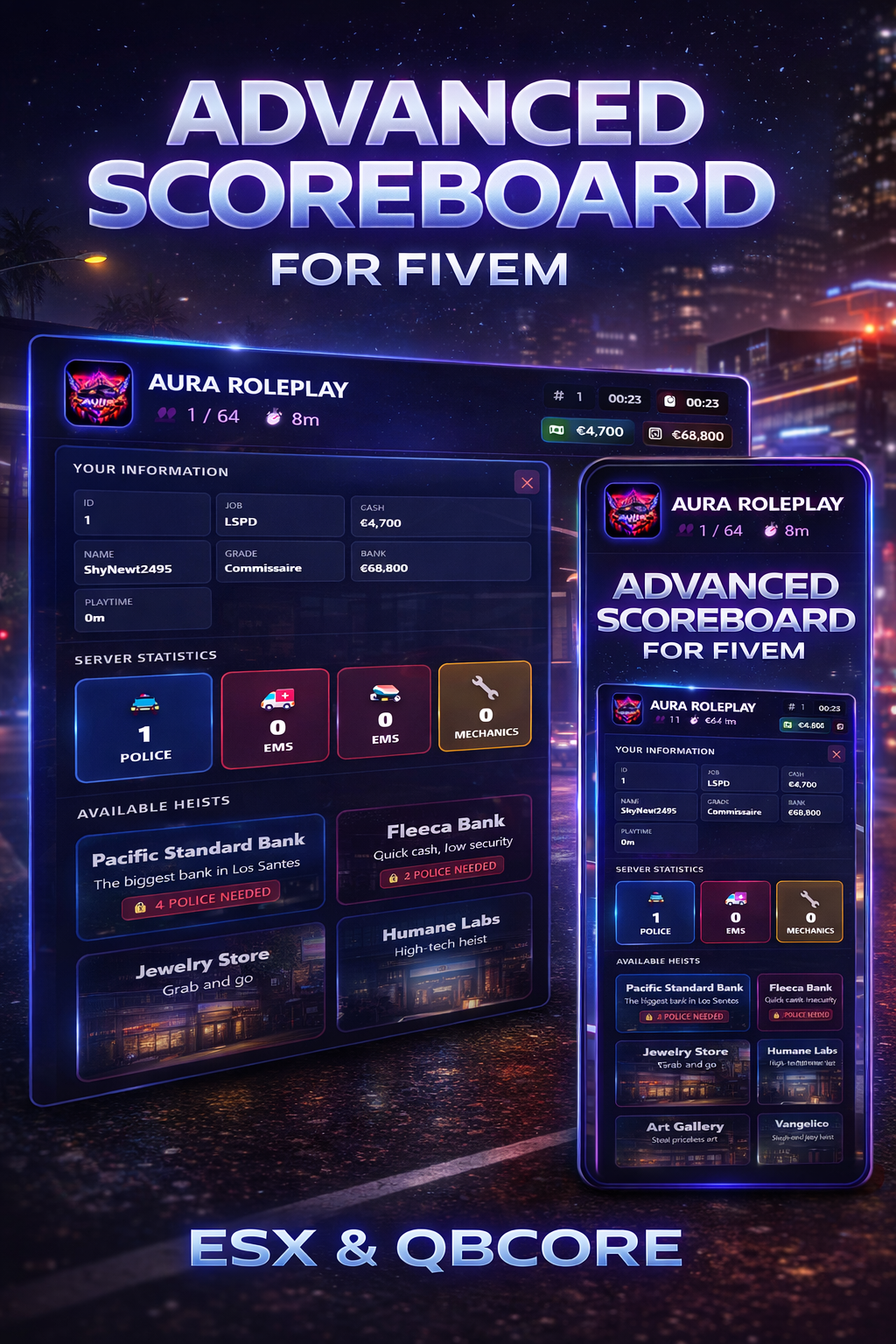
Advanced Scoreboard for FiveM
Compatible with ESX & QBCore
A modern, high-performance scoreboard designed for FiveM servers that want a clean UI, real-time data, and full framework compatibility.
Built for both ESX and QBCore, this scoreboard delivers essential server information with a sleek, animated interface.
🌟 Key Features
✅ Framework Support
- Full ESX support
- Full QBCore support
- Auto-detect framework
🎨 Modern User Interface
- Glassmorphism-style UI
- Smooth animations & transitions
- Dark, professional dashboard look
- Optimized for all screen resolutions
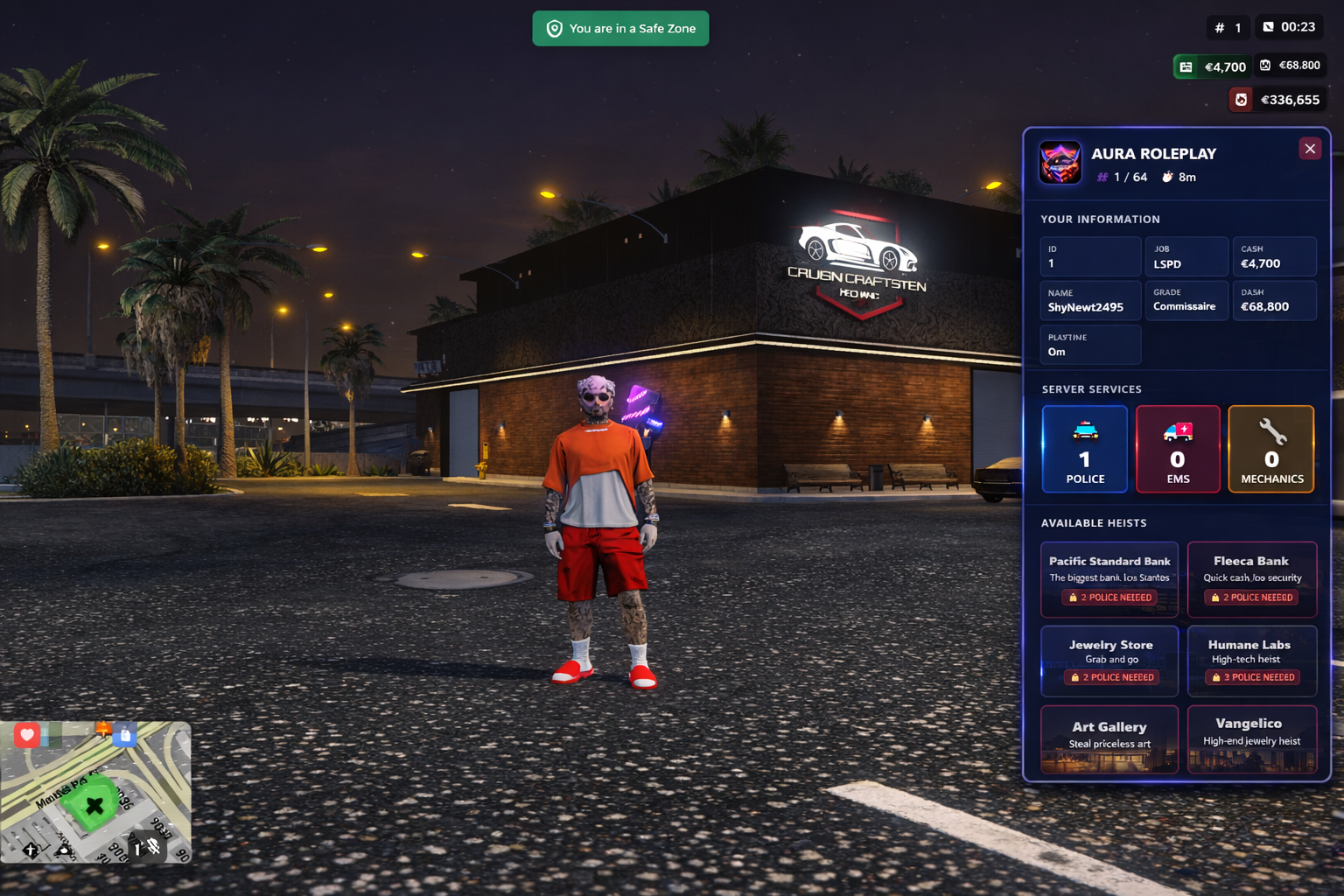
📊 Live Server Information
- Online player count
- Server uptime
- Real-time player list
- Scrollable interface
- Live job statistics
👤 Player Information
- Player ID & name
- Job & rank
- Gang info (QBCore only)
- Cash & bank balance
- Session playtime
- Real-time ping with color indicators
🚓 Job Statistics
Live count of:
- 👮 Police
- 🚑 EMS
- 🔧 Mechanics
🏷️ Permission Groups
- Custom staff badges
- Supports Owner / Admin / Moderator / VIP
- Fully configurable ranks & labels
💰 Economy Display
- Cash balance
- Bank balance
- Framework-based money sync
🎯 Advanced Displays
-
Heist Status System
- Shows available heists
- Police requirement display
- Cooldown indicators
-
Robbery Status System
- Location-based robberies
- Live availability indicators
⚙️ Fully Customizable
- Position: left or right
- Colors & theme
- Server name & logo
- Custom links (Discord / Website)
- Job names & icons
- Permissions & ranks
📦 What You Get
- Fully optimized FiveM resource
- ESX & QBCore compatibility
- Easy configuration
- Clean & commented files
- Performance-friendly script
📌 Requirements
- FiveM Server
- ESX or QBCore
- ox_lib (recommended)
🛠️ Installation
- Drag & drop resource
- Configure
config.lua - Add to
server.cfg - Restart server
🎥 Preview
📷 Screenshots included
🎬 Video preview recommended for Tebex
🧠 Support
- Active support
- Frequent updates
- Custom feature requests possible
⭐ Why Choose This Scoreboard?
✔ Professional UI
✔ Real-time data
✔ ESX & QBCore ready
✔ Easy to configure
✔ Premium feel for your server